
interfacing™
interface phenomena laboratory
krautrockThirty-six labs. Thirty deviations. Fifteen dark patterns. The whole syllabus, in one window, that you can poke.
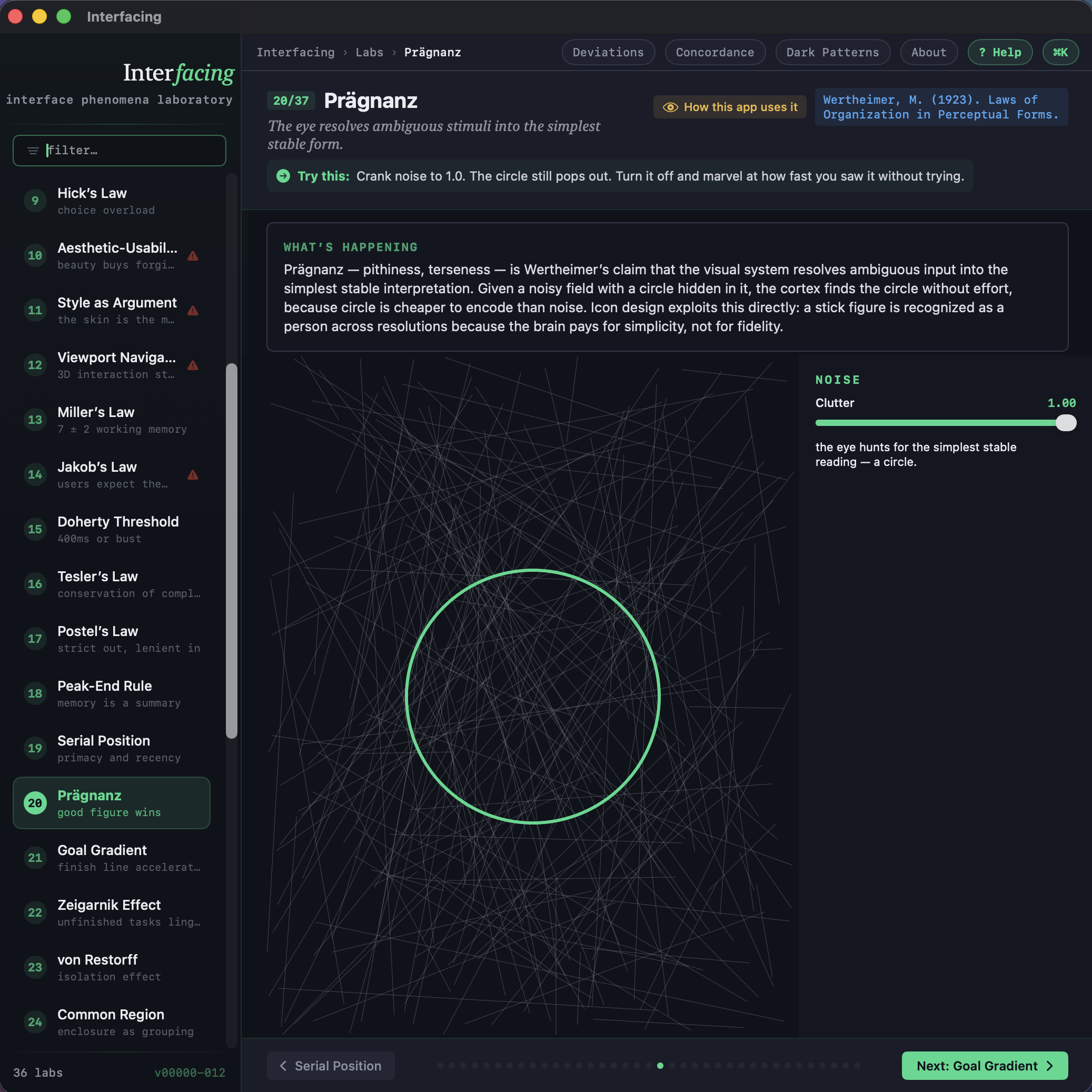
Interfacing is a small laboratory for the principles that make interfaces work — and the moments when breaking those principles is the only honest thing left to do. Every "law" is a live instrument you can drag, click, and bend. Every rule has a "How this app uses it" disclosure that lets the app audit itself against its own teachings. If it cheats, it tells you.
It is a textbook with no textbook. A reference that prefers being played to being read. A thing built less to inform you than to let you notice what your own eye and hand were already doing.
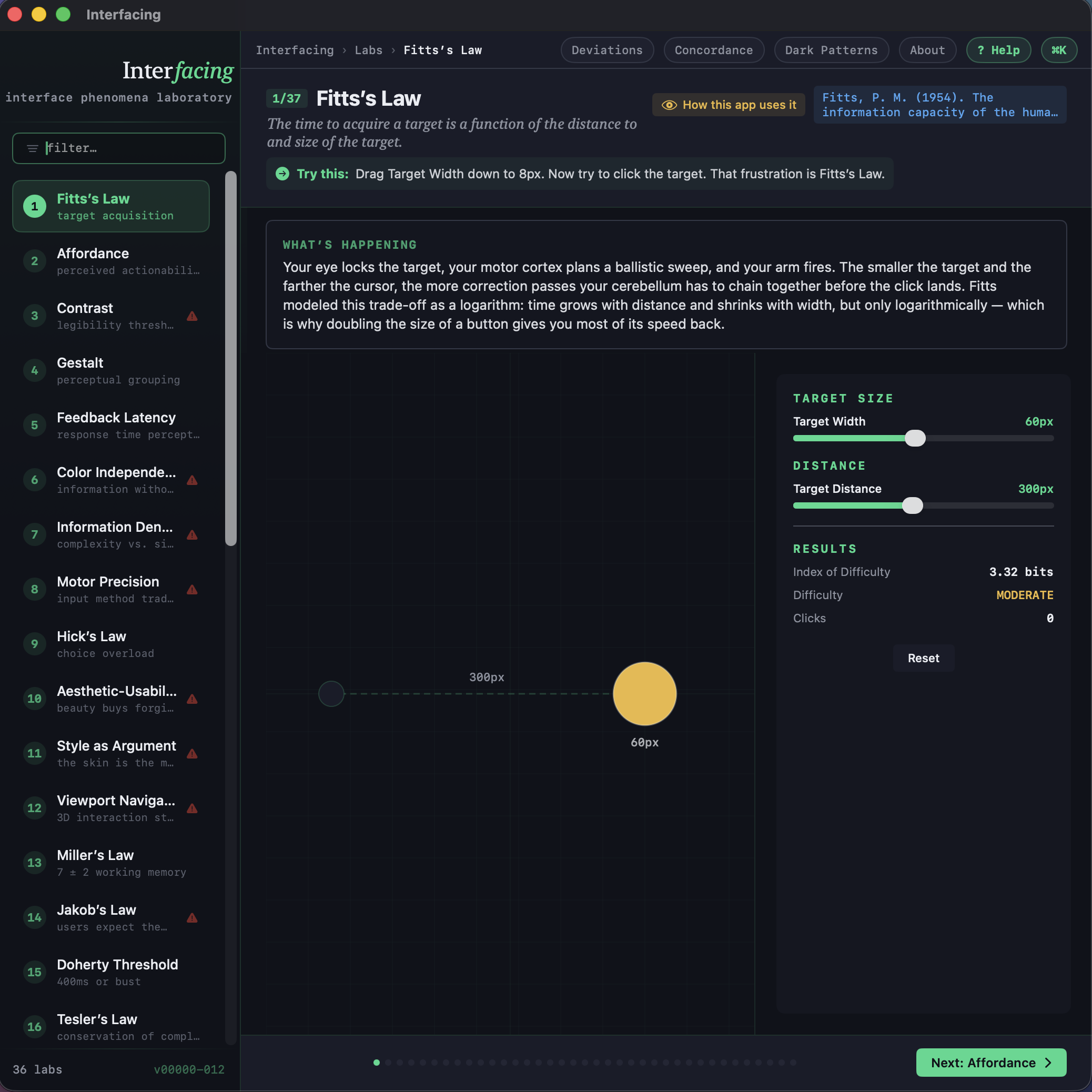
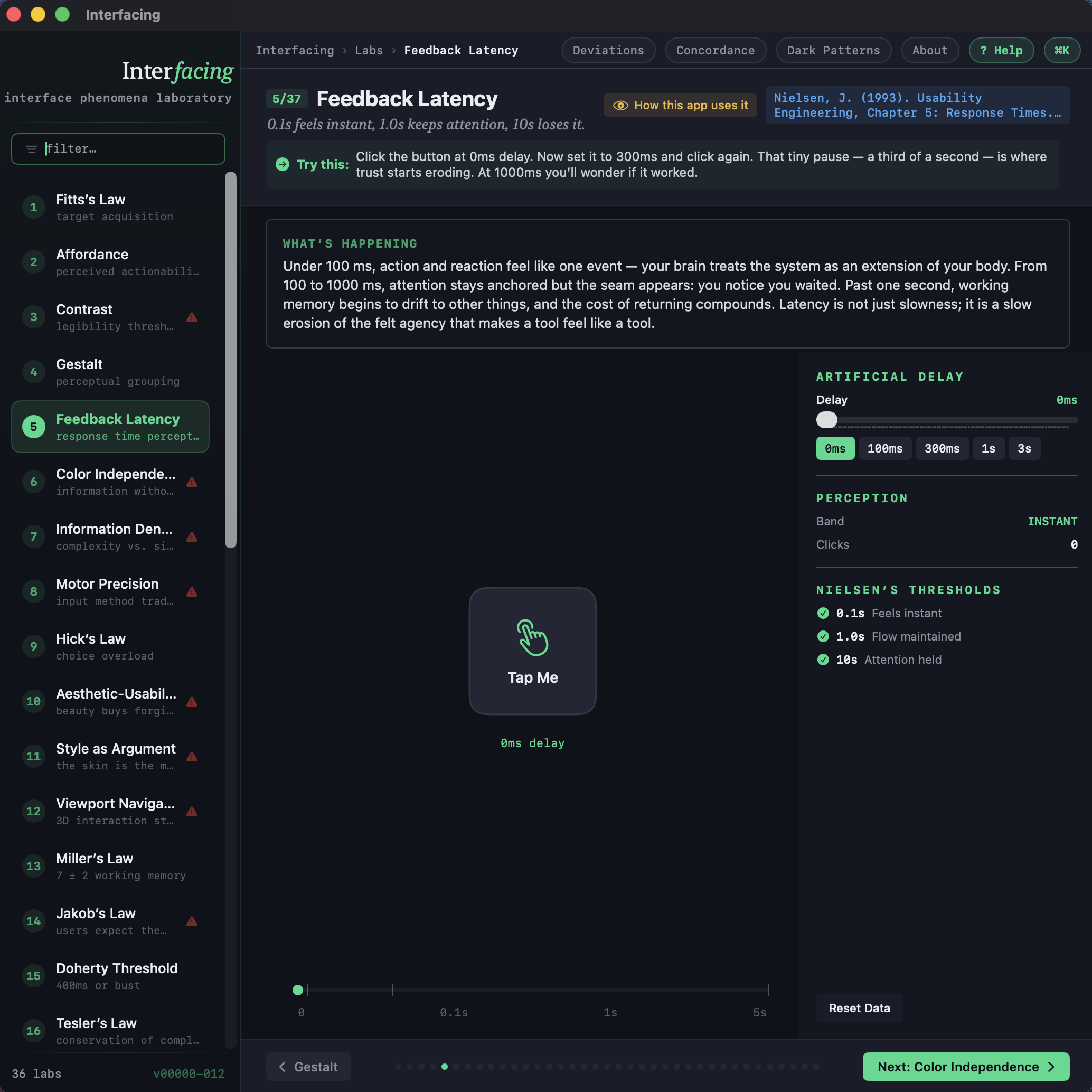
I. The Labs — thirty-six. Targeting and pointing. Choice and reaction time. Working memory limits. Response thresholds. Grouping and proximity. Closure and figure-ground. Recall versus recognition. The unfinished-task pull. The standout effect. Each lab is a small playable demonstration of one principle, built so you can feel it instead of read about it.
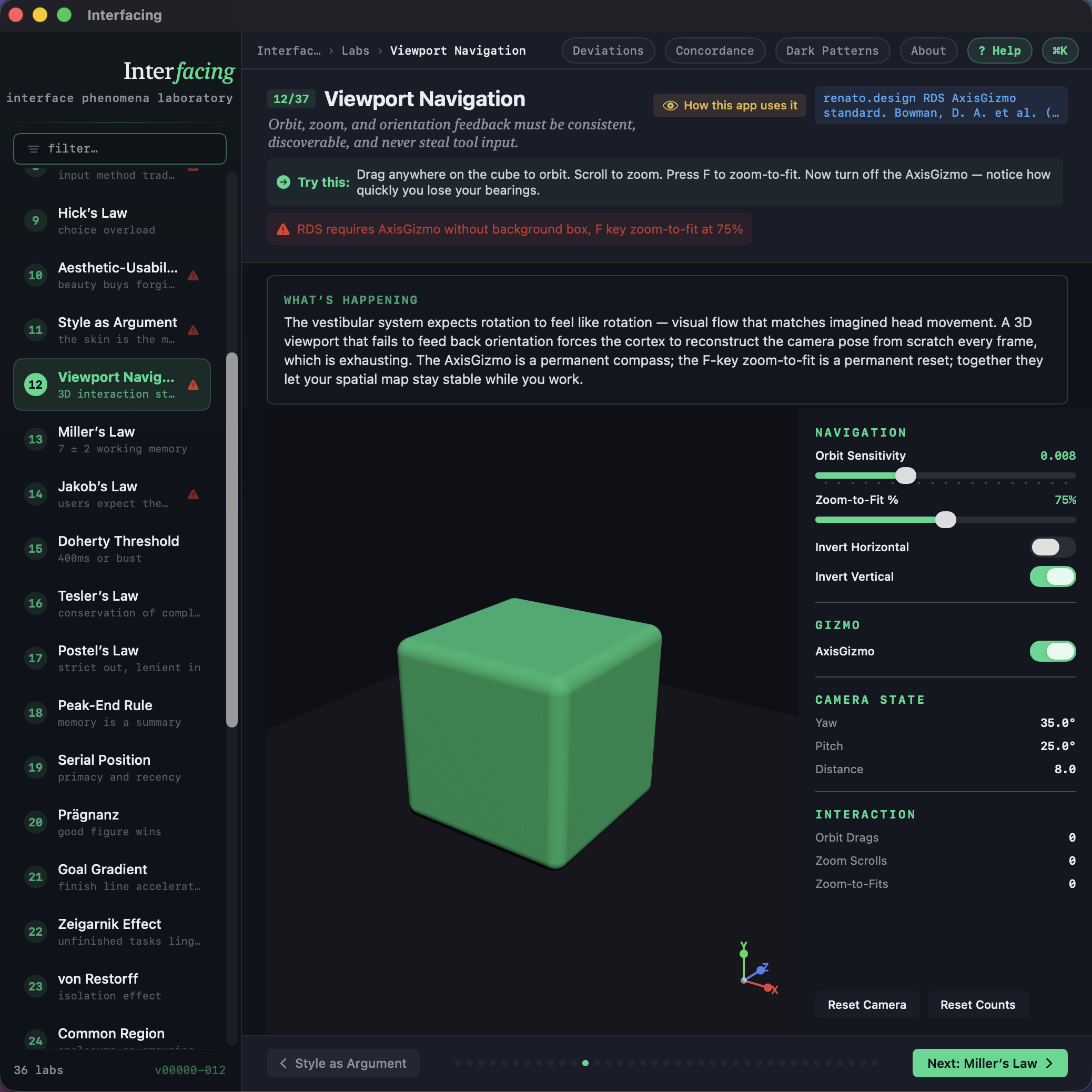
II. The Deviations — thirty. A catalog of the rules we break on purpose, with reasons. Hidden undo. Modal-less panels. Numbered everything. Sliders only for brushes. Naked AxisGizmo. Type-only navigation. The other half of the book — when the instrument demands that the rule be broken.
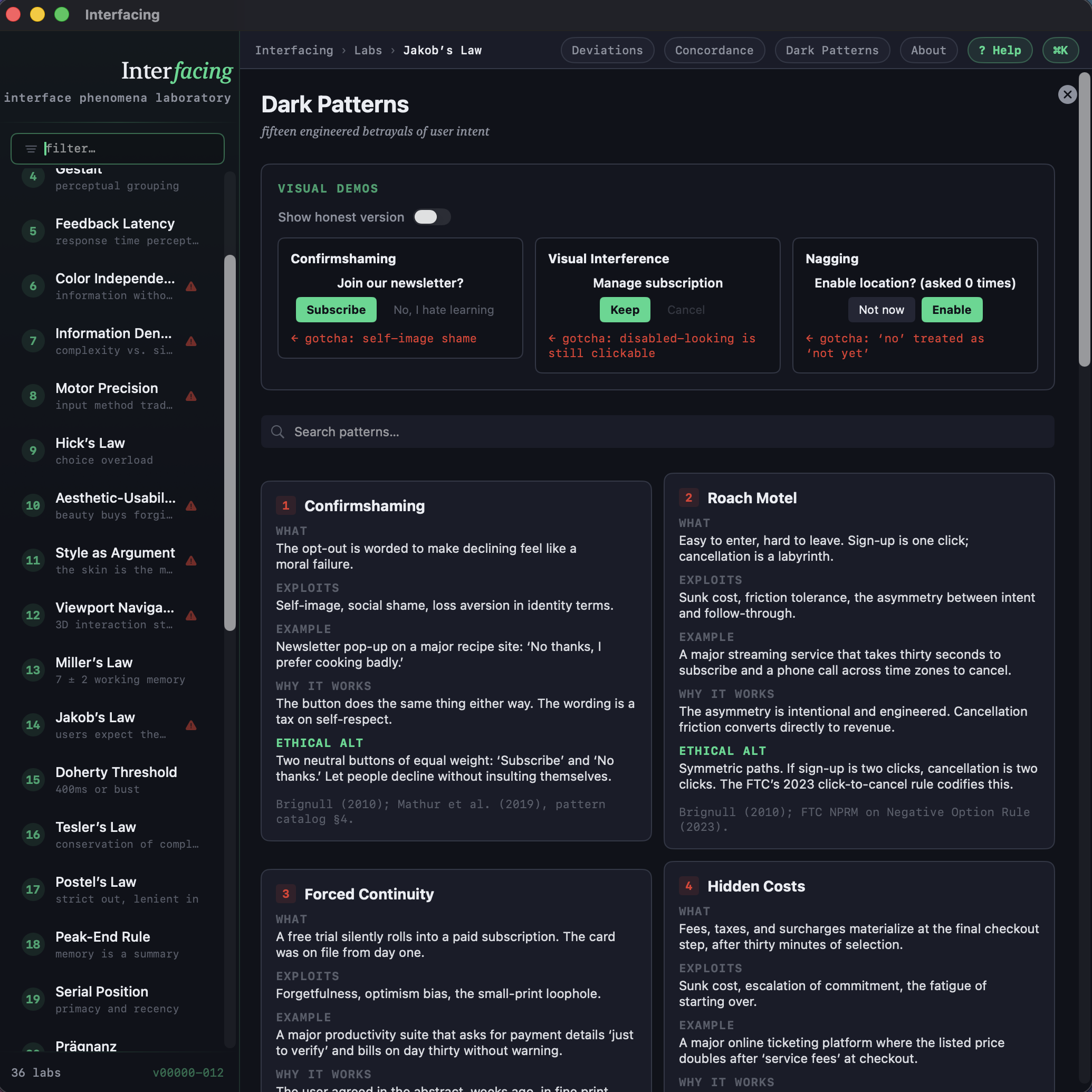
III. The Dark Patterns — fifteen, plus seven you can feel. Seven live, interactive deceptions you can actually click — confirmshaming, roach motels, fake countdowns, visual interference, hidden costs, nagging — each with a "← gotcha" reveal that names the cognitive lever. Then a catalog of fifteen more. Labs are the rules. Deviations are when breaking them is justified. Dark patterns are when breaking them is harmful. Three categories; one syllabus.
Every lab in Interfacing has a "How this app uses it" disclosure that asks the harder question: does the host of this lesson actually obey what it teaches? Sometimes yes. Sometimes the answer is "no, on purpose, see Deviations." Sometimes the answer is "no, by accident, please file a bug." Either way, the app has to look at itself in the same mirror it hands you.
This is the part the genre demanded. The aesthetic here is machinery as the point — repetition, signal over melody, the patient hum of a system willing to be looked at while it runs. Interfacing is allowed to do the same.
A few moments from inside — click any image to enlarge.
Interfacing is one of about thirty tools in the renato.design family. Sibling apps include Magpie (UI archaeology), provoc (rhetoric and typography), Alberti (a chamber-music harmony tool), Reverie (a dream-pop modeler for design students), gesture (a figurative drawing instrument), murmur (a software Chladni plate), and a long etcetera. Each app is a different genre asking a different question.