
LiDAR Scanner with Afterwords
chamber musiciOS + macOSThe world-as-it-is-kind-of
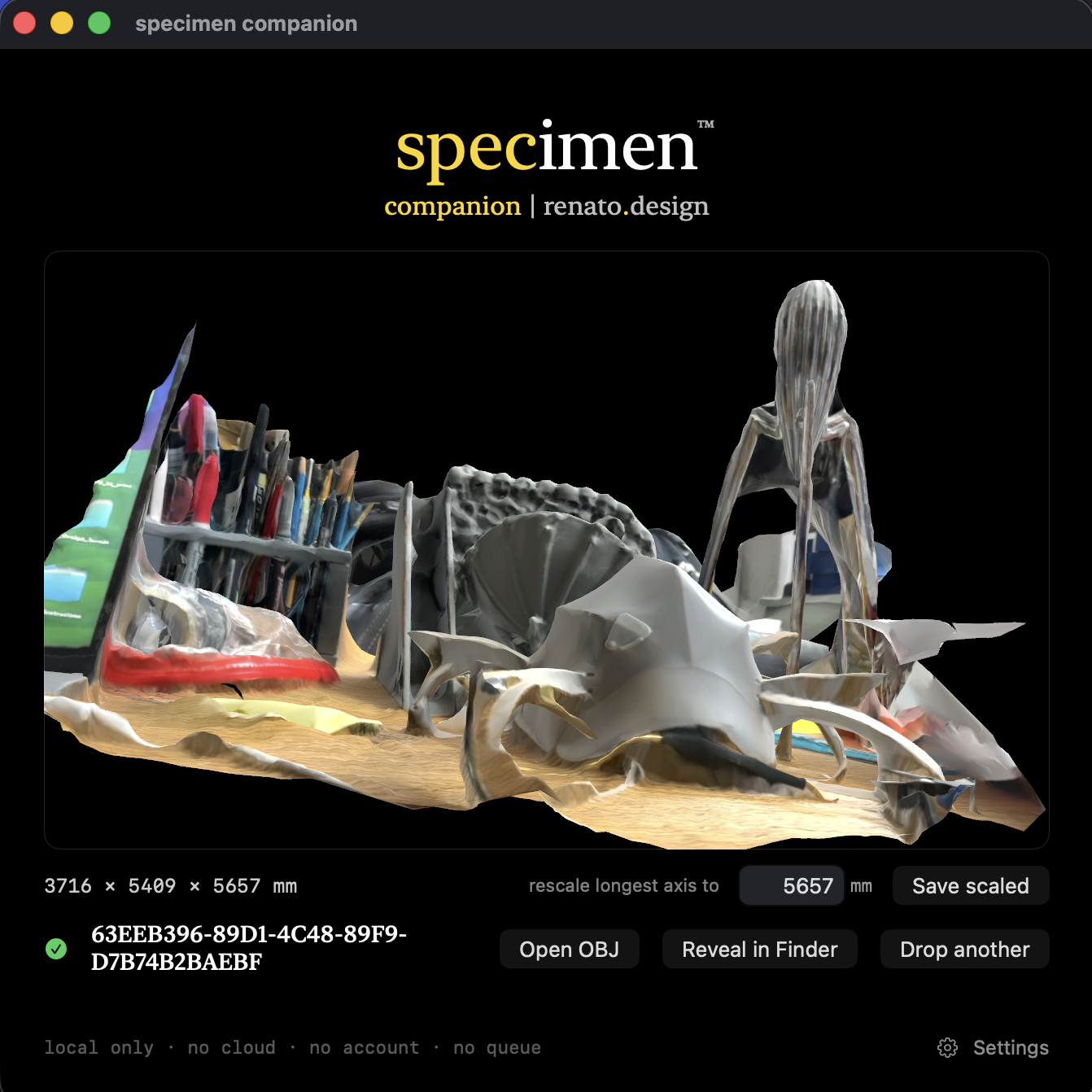
A 3D scanner for iPhone that treats the captured object as a specimen - worth describing, worth situating, worth demystifying. You point the phone at a thing. You walk around it. A mesh comes out that you can open in Rhino, Blender, or any 3D software.
specimen isn’t a photogrammetry shortcut, a content pipeline, or a subscription. It shows you the mechanism at work, and it shows you what the mechanism missed.
The scan is only the first output. specimen produces three readings of what you captured, in addition to the mesh.
A registrar's voice. Clinical, dated, uninterested in flattery. Surface reads as glazed ceramic. Bottom not captured. Approximately fourteen centimeters across. Witness describes what was captured, and names what was not. No aesthetic judgments.
Voices from the dead. Not critics. Interlocutors who cared about objects for different reasons, each speaking in their own register - paraphrased in specimen's system prompts, never ventriloquized, never fabricating quotes. A double meaning: commentary after the main text, and words from after-life.
Sōetsu Yanagi (1889–1961) on the beauty of anonymous objects. Walter Benjamin (1892–1940) on what scanning is - what aura means under reproduction. D'Arcy Thompson (1860–1948) on the forces that made the form. Roland Barthes (1915–1980) on the detail that pierces the viewer. George Kubler (1912–1981) on where this object sits in its class. Vilém Flusser (1920–1991) on the gesture of capture.
Worked example: a porch scan of potted succulents, read on iPhone, reconstructed on Mac, then read again by every voice - three and one planters on the exemplum.
Names the mechanism, not the marketing term. Light detection and ranging. Infrared pulses. Time of flight. Structured light. Photogrammetry. Triangulation. Posits that a person who does not know what a LiDAR actually is might not be able to think critically about what a scan actually represents.
Apple exposes full-detail reconstruction only on macOS. So specimen comes in two pieces: the phone that captures, and the Mac that reconstructs. AirDrop is the pipe, the drop zone is the door - no pairing dialog, no local-network prompt to click through, nothing routed through a queue somewhere else.
Captures with the hardware already in your pocket - LiDAR plus the main camera. The mesh reconstructs locally at reduced detail (iOS's ceiling). The Cabinet keeps every scan with its Witness and its Afterwords. Requires an iPhone with LiDAR - iPhone 12 Pro or later Pro / Pro Max.
Open a scan in the phone's Cabinet, tap Share, pick Capture package (.zip), AirDrop it across, drop it on Companion's drop circle. The Mac reconstructs at full detail. A preview opens inline. Orbit it, read the size in millimeters, rescale to a target size, open the OBJ in your default 3D app. Experimental print-prep sits under the preview - thicken a shell, solidify an open scan.
Exports come out in millimeters. Exports come out Z-up. That is what Rhino expects. That is what every 3D-print slicer expects. It is what the shop floor expects. Switchable to inches for the truly stubborn or architects among you. Not switchable to centimeters or meters. Those are not the units of the trade this app is for.
iPhone · launch
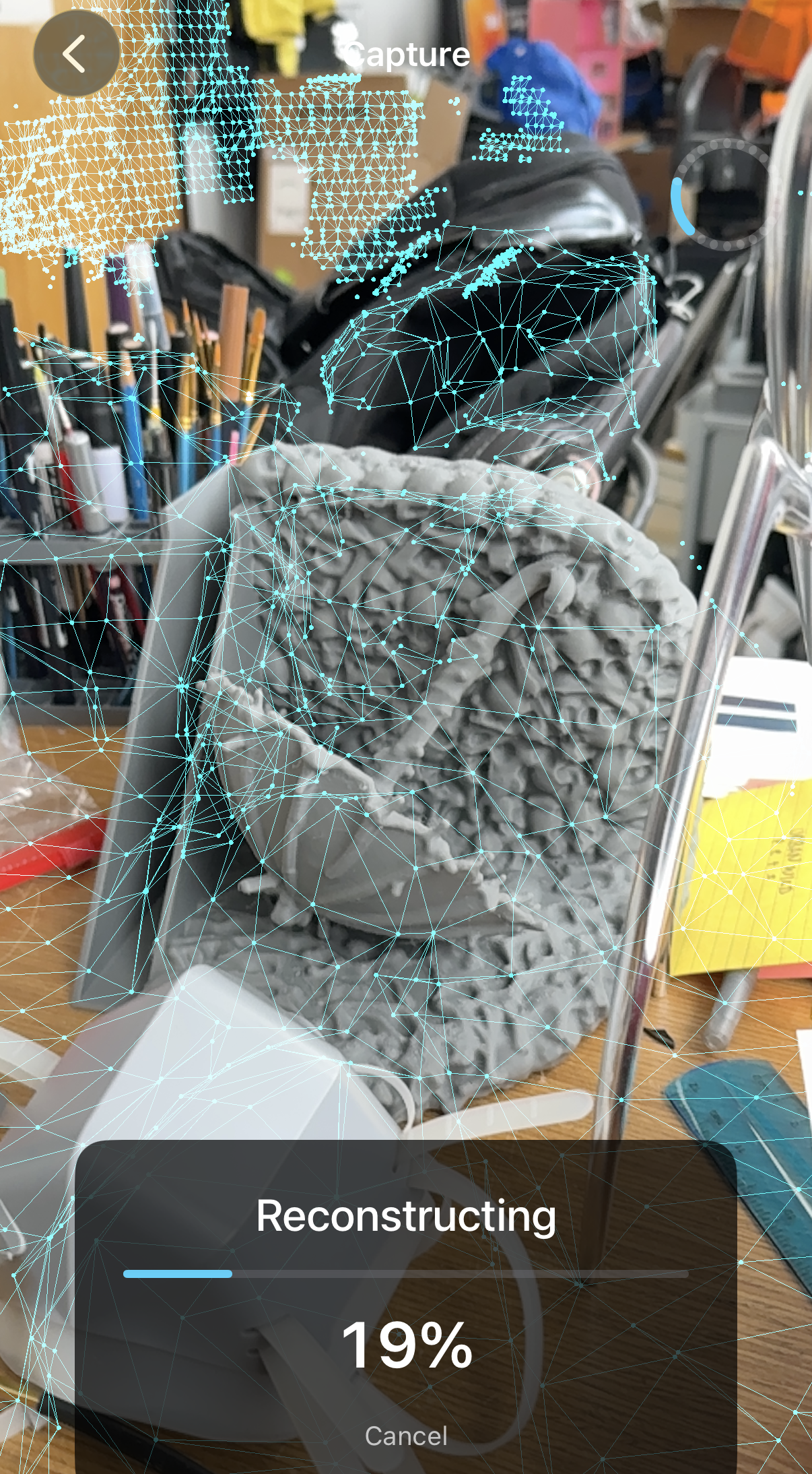
iPhone · capturing
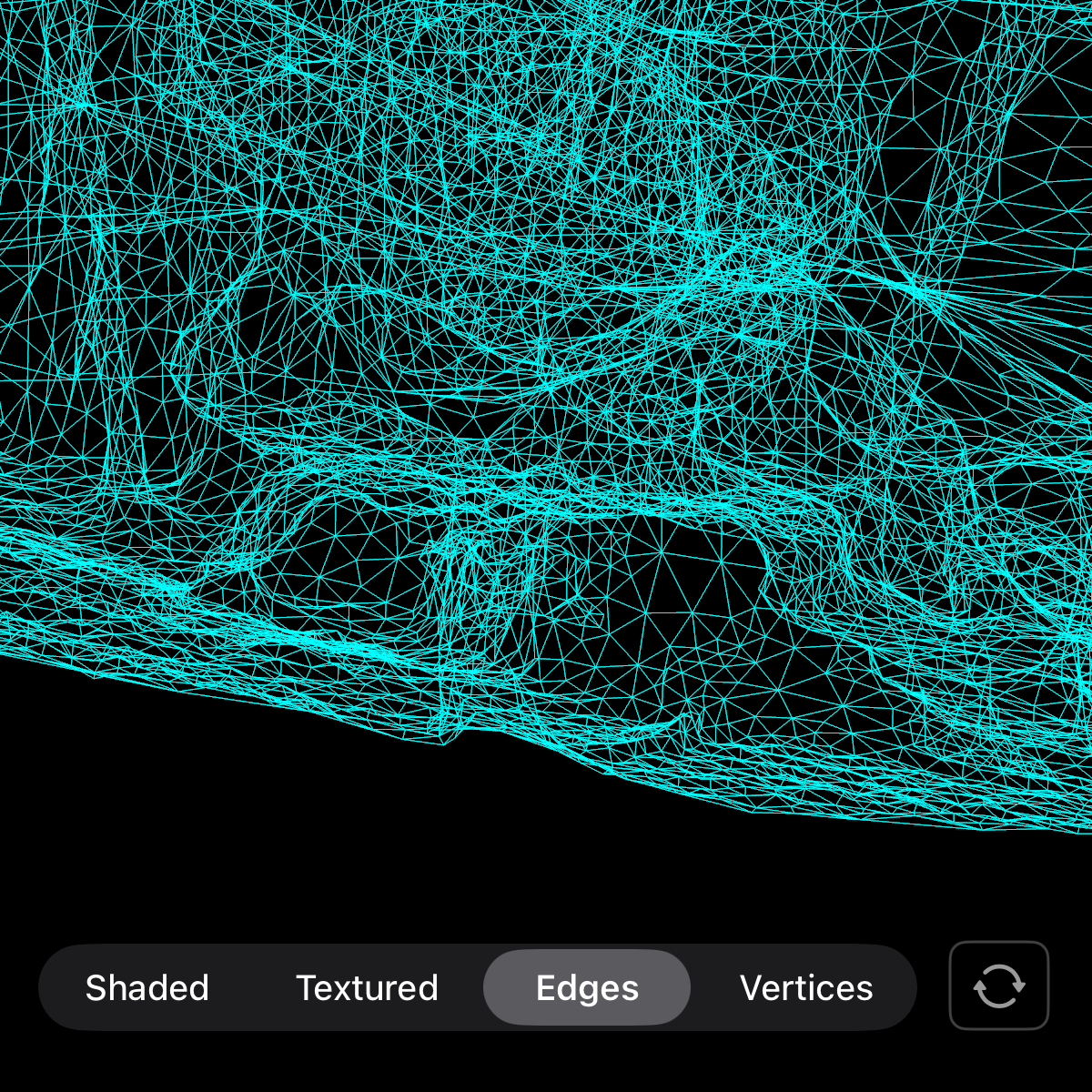
iPhone · cabinet
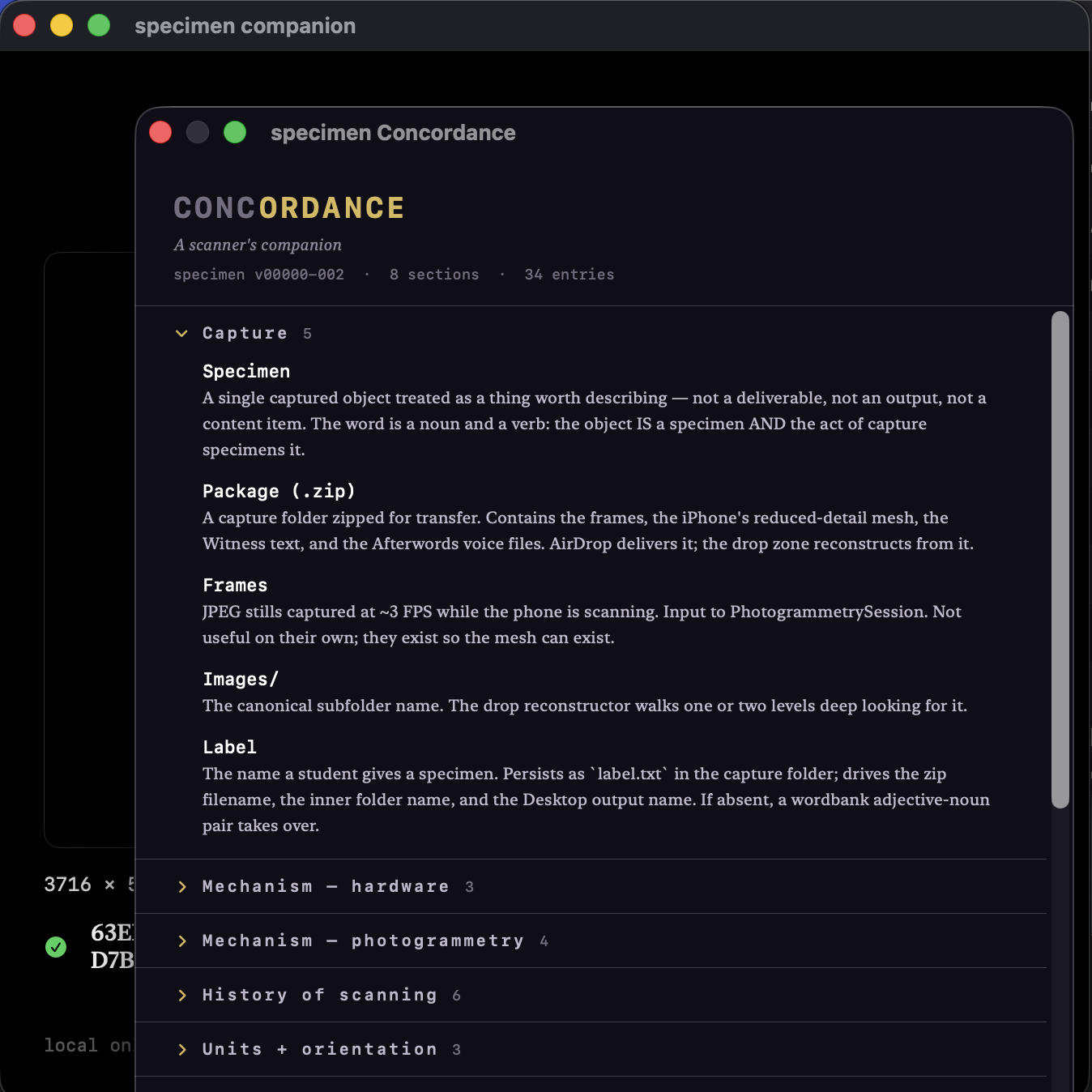
Mac · drop zone
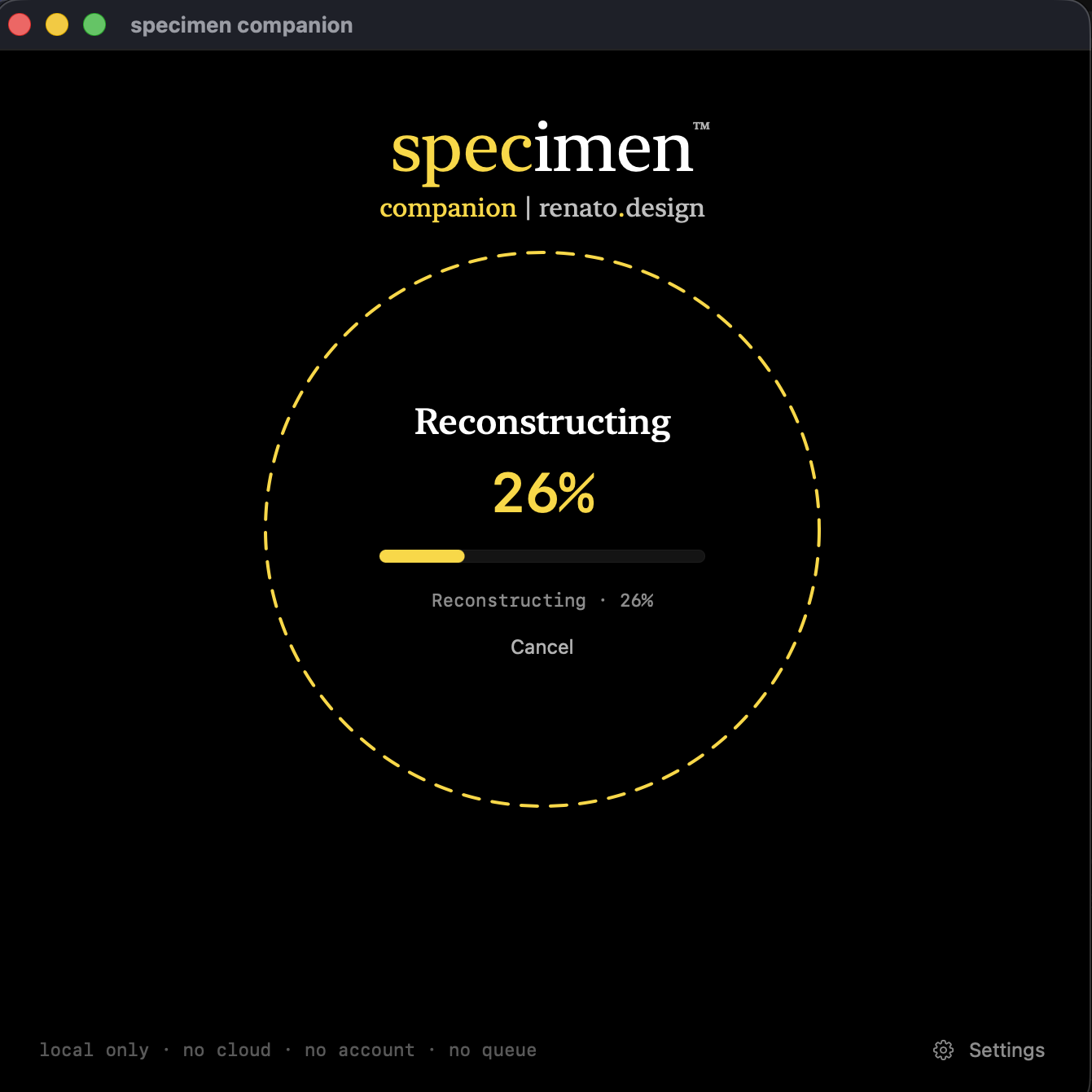
Mac · reconstructing
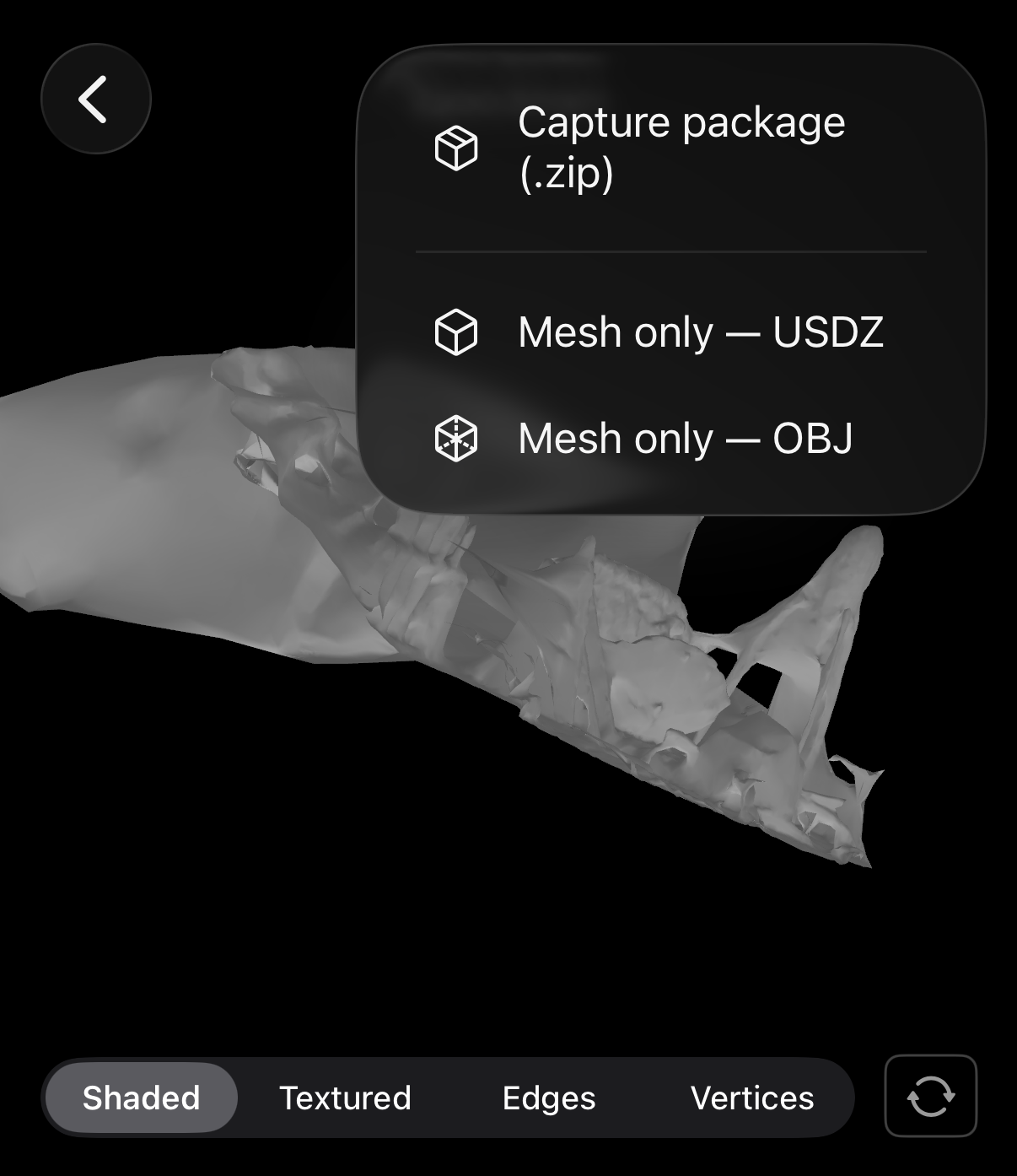
iPhone · afterwords