
curve-first 3D modeling, for beginners
9-bitA 3D modeling room for beginning design students. One curve, three complexity levels, and a surface that rebuilds while you drag. It descends from ALYUS next door - modern math under period chrome.
the network operation, auto-orbiting, exported from the app
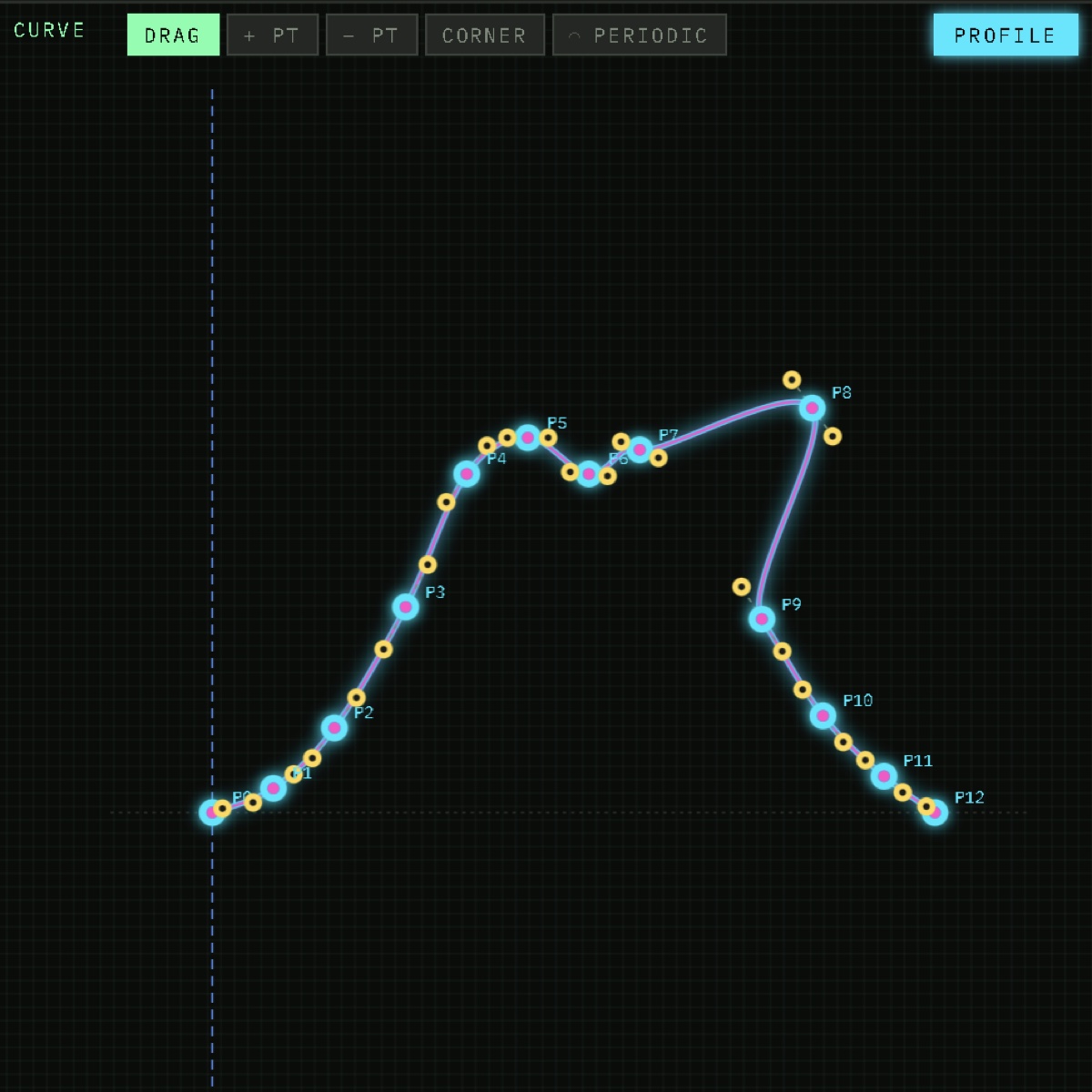
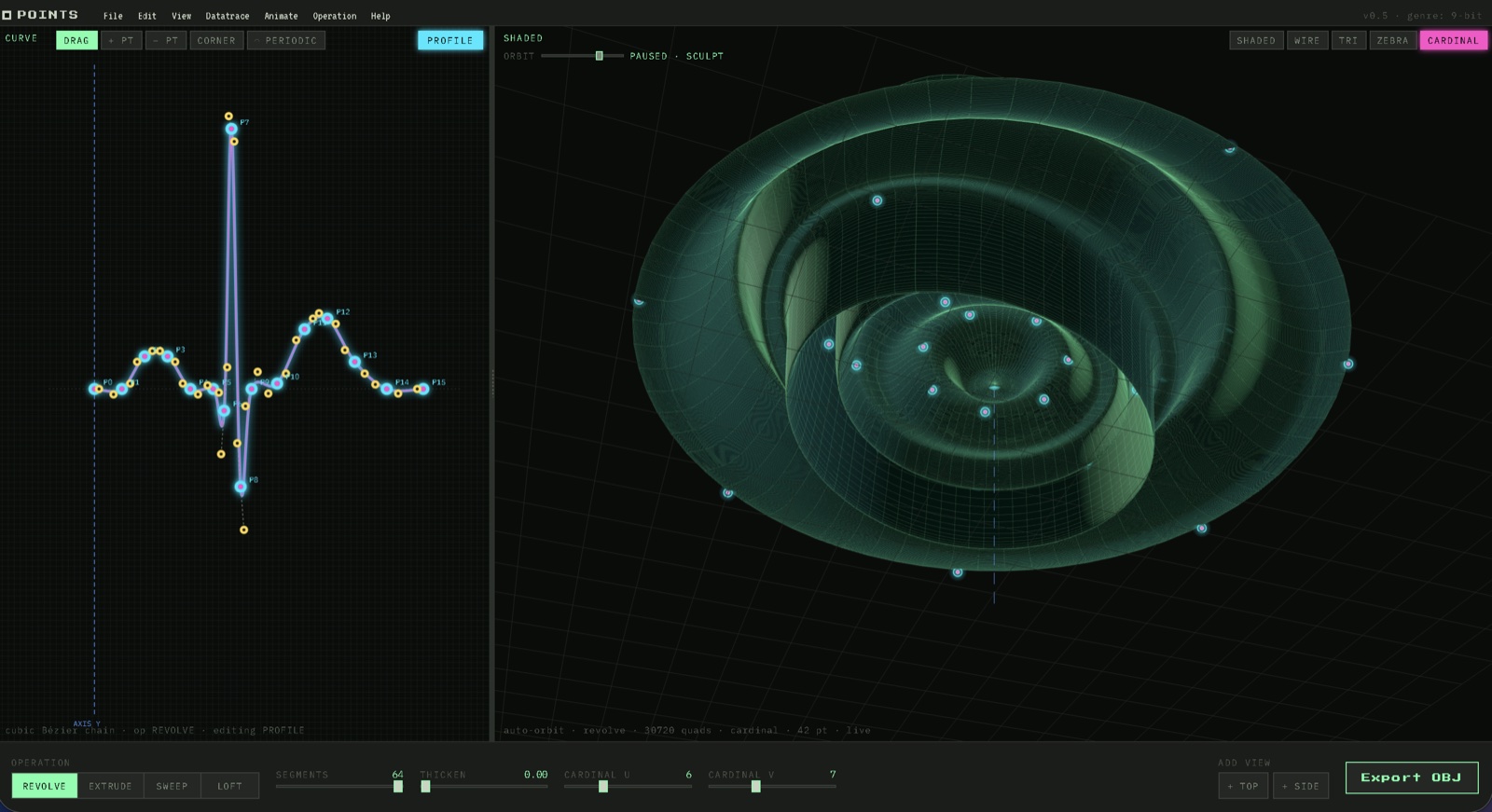
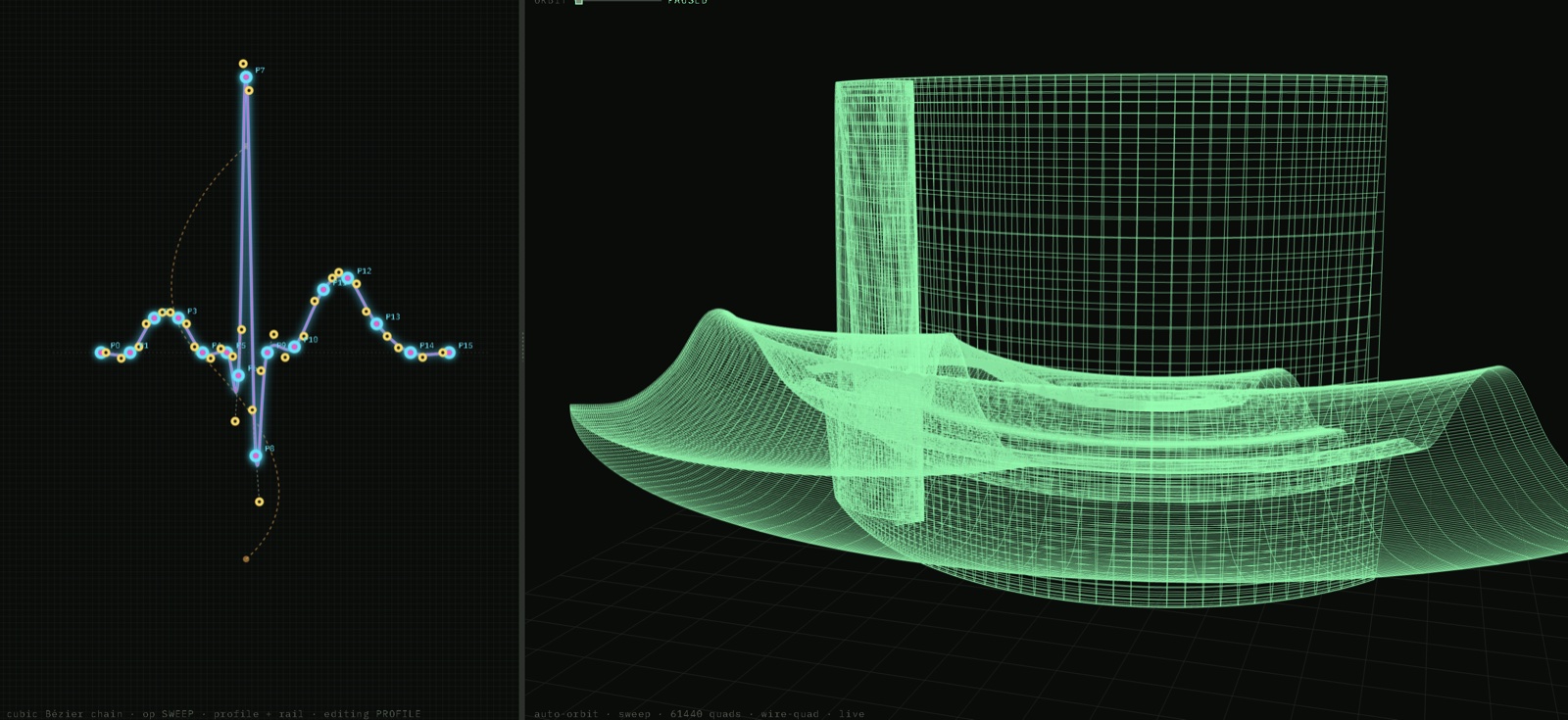
Points is a teaching tool. A student draws one Bézier curve in the left view and watches a surface appear in the right view, revolved or extruded or swept or lofted or built as a curve network, depending on which operation is set. The 3D view orbits on its own so nobody has to learn pan, orbit and dolly before they can see their own form. A click-and-drag tilts the camera when they want a different angle.
Everything else on screen is tuned to recede. The dithered field, the period-amber handles and the workstation-green chrome all sit back a step, so the wet cyan-and-magenta line in the middle of the canvas is the only place attention has anywhere to go. That is the pedagogy as much as the look. A curve is enough.
The math is cubic Bézier - the same pen-tool curve any design student has already dragged a handle on - with none of the NURBS apparatus of knots and weights sitting on top of it. Add anchors with + PT, take them away with − PT, drag the handles, switch the operation, watch it rebuild. When it looks right it exports as a real quad-mesh OBJ.
Each operation takes one or more Bézier curves and turns them into a quad surface, a uniform u,v grid that exports as real quads - not triangles. Any curve closes into a loop with one click, and the caps stop being emitted where there is no longer an open end to cap.
Every operation supports live thicken - a slider that gives the surface material thickness. The offset runs along the true surface normal at every vertex so the wall stays perpendicular, and the open ends cap themselves. A second smooth / fillet slider relaxes the mesh, which is a global fillet you can dial until the sharp edges round off. What comes out is a closed shell, ready for subdivision modeling or a printer.
A handful of worked presets covers all of them - Face, Banana, Cabriole leg, Boat hull and Leaf. Each one starts as straight lines and animates into its form, so a student watches the construction happen before touching anything.
Anchors come in two flavors. SMOOTH keeps the tangent handles antiparallel so the curve flows through, CORNER zeroes them so it cusps. Two tool buttons switch a clicked anchor either way, which matters most at a PERIODIC join, where the closure starts life as a straight chord and usually wants smoothing.
Export writes real quad faces (f a b c d), not split triangles. Filenames roll off a wordbank that brackets the era this app is arguing with, new wave electronics on one side and observational astronomy on the other.1
The Datatrace menu drops a real-world dataset straight into the active curve. Each one arrives with smooth Catmull-Rom-to-Bézier handles already fitted, and each one is editable the second it lands.2
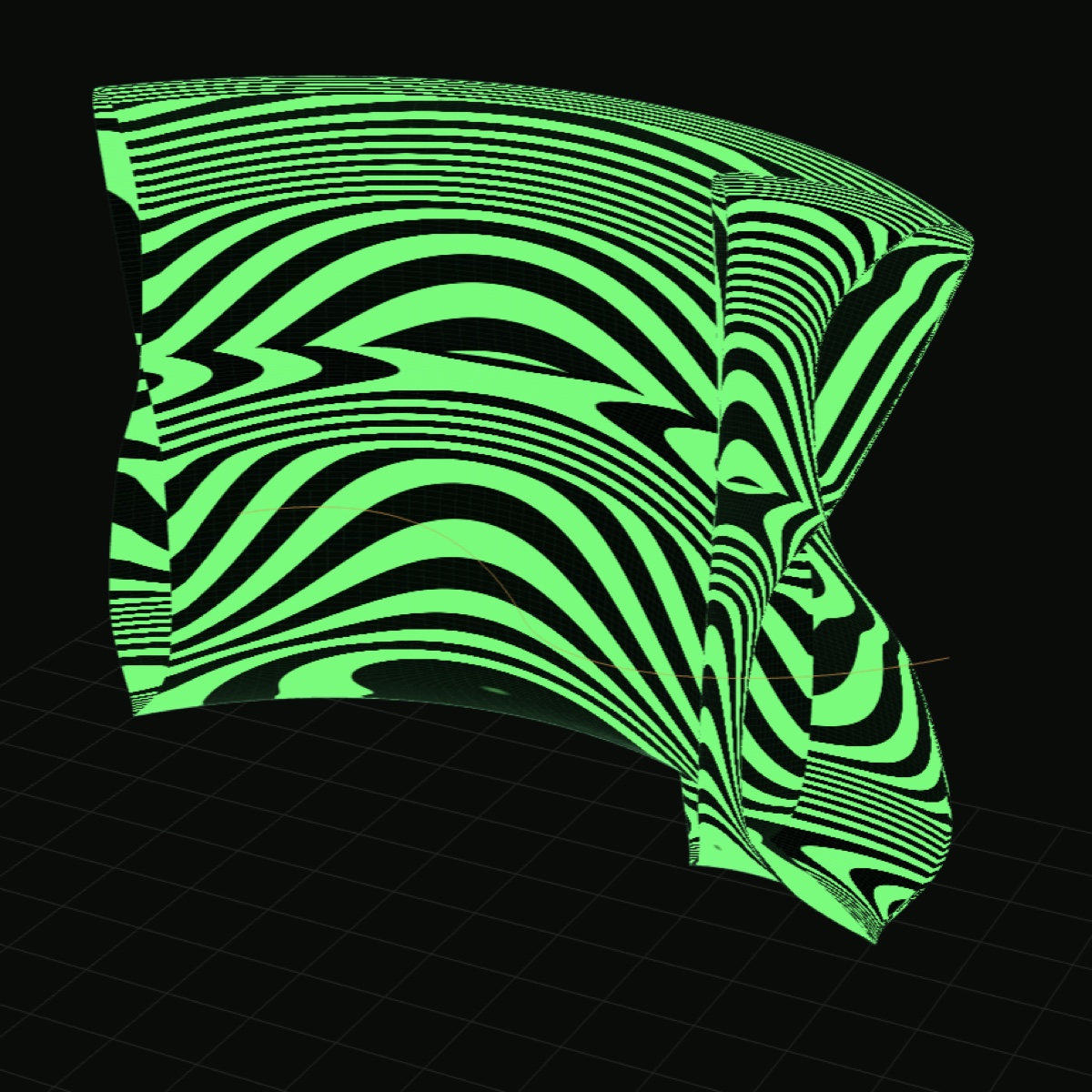
The 3D view has five render modes. Each one asks a different question about the surface.
CARDINAL is the on-surface sculpt - a toggle, not a sixth mode. Switch it on over any render and a grid of wet cyan-and-magenta dots settles onto the surface, spaced independently of the mesh underneath. Drag one and the surface pushes or pulls along its local normal, falling off into the neighbors. Shift-click gathers several and moves them together. Two sliders set how many dots there are, and changing that number does not throw away the sculpt you already made.
Alias/1 was an animation system as much as it was a modeler, and the Animate menu carries that forward. Set keyframes that capture the whole editable state, curves and periodic flags and cardinal sculpt together, then play to loop between them. Switching operation clears the keys, and mismatched topology throws an error rather than guessing what you meant.
Export Video hands back an .mp4 that QuickTime opens without converting anything, at three seconds, ten seconds or a full cycle. In 1985 the same gesture drove a film recorder writing 35 mm - same move, different century.
Two ways to author now live in the same room. CURVE is everything above: draw the profile, the surface follows. NDZ is a node-and-wire graph that gets there backwards - you wire it, it settles. You wire modules together, profile into revolve into divide into attractor into instance, and the whole chain re-settles the instant any value moves. There is no run button. The CURVE | NDZ switch moves between them, and it is the same kernel underneath, so a Revolve node is the surface builder and the OBJ that leaves is the same real quads.
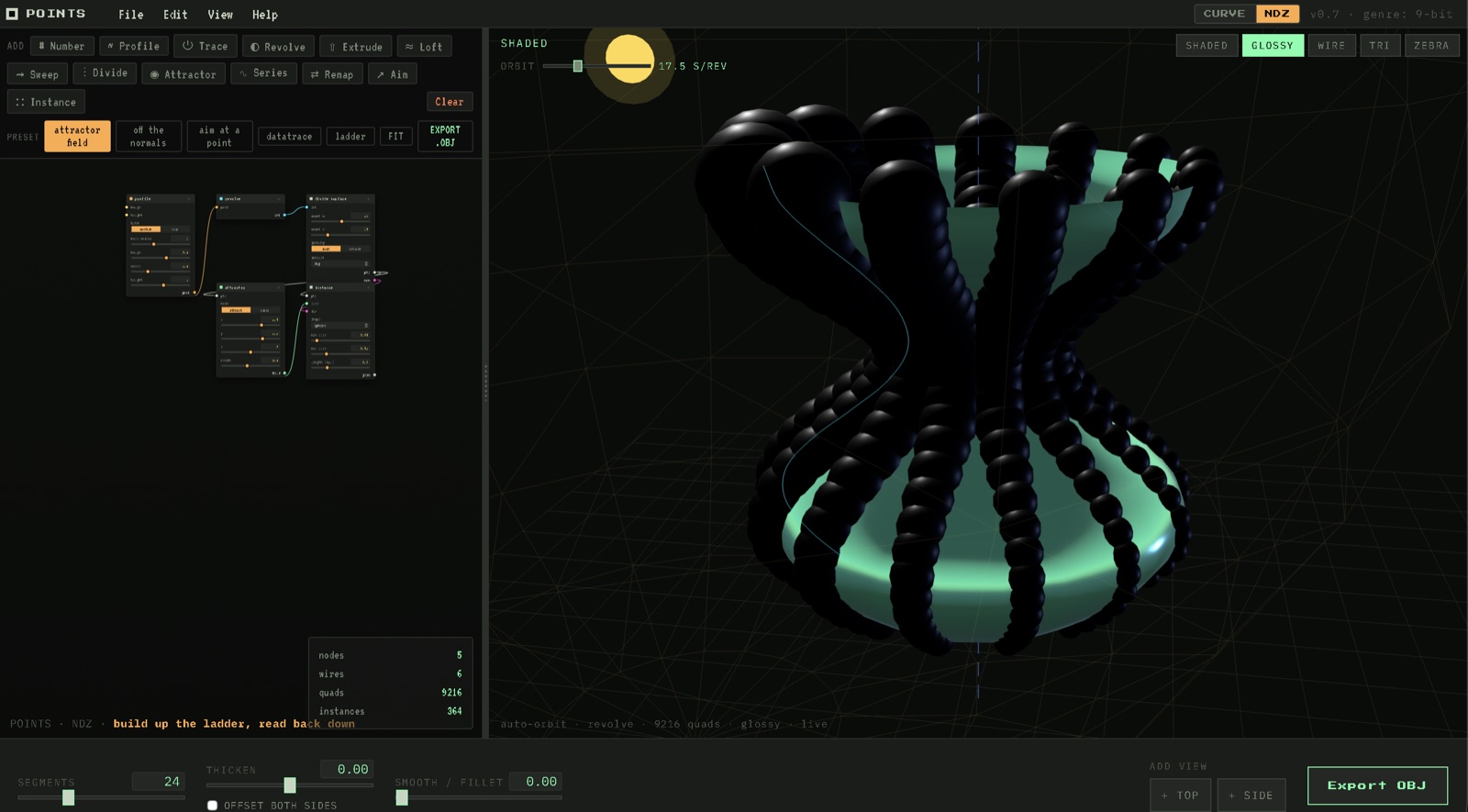
The graph stages two ideas the direct tools cannot. First the field: an Attractor is a thing in space with a visible reach, every divided point reads its own value off it, and every instance is sized and colored by what it read. Drag the attractor and the whole population breathes. Second, vectors come free. Divide hands back the surface normal at every point, so shapes stand off the surface without anyone building a vector by hand, and an Aim node swings the whole field to face a target.
The palette reads top to bottom, construct above and extract below. Drag a header to move a node, drag a port into a port to wire it, click a wire to cut it. Click any node and the geometry it controls lights up cyan in the 3D view. It is a sibling to the node room in Classicery next door, the same node-and-wire idea pointed at real surfaces.
points is dressed in 8-bit chrome - a phosphor-dark workstation palette, bitmap type, dithered shading and not one gradient. Period-correct to within about half a decade of the IRIS workstations that ran the original Alias/1. Those 8 bits are the museum.
The 9th bit is the live curve. While it is being edited it glows full-saturation cyan-and-magenta against the period palette, anchors pulsing wet under a halo. It is the only place the present day shows up on screen.
The 9-bit conceit wanted to be more than a costume, so points got ported backward, off the web entirely and onto the hardware the look is borrowed from. It runs as a native application on a clamshell iBook G3 - once under Mac OS X 10.4 Tiger, and once in the Classic Mac OS underneath it.
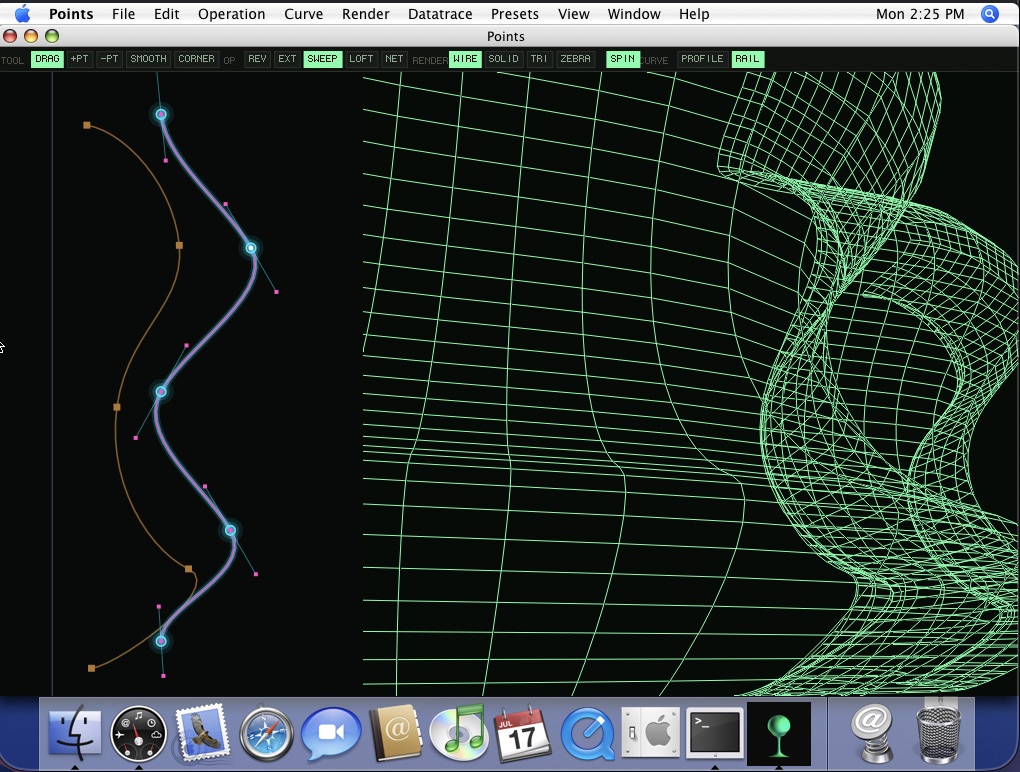
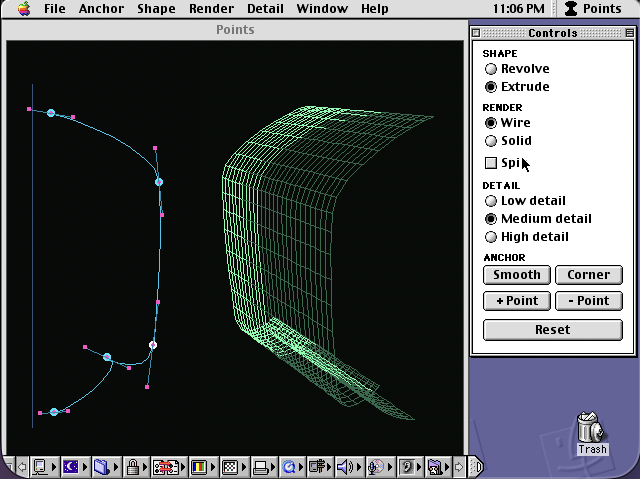
The Tiger build is a real native app, a Cocoa window around an OpenGL viewport, so the surface is drawn on the GPU rather than interpreted in software. The Classic build is a true Toolbox application with a floating Controls palette and menu-driven everything, the way a 1999 program was meant to be driven. Neither one is something you would download. They are built for hardware most people no longer have, and they exist to prove the curve survives the trip back.
points sits between two adjacent rooms in the suite.
The Classicery clean-room recreation of Alias/1, a 1985 surfacing program that shipped on the IRIS workstations. Cardinal-spline profile editor, four-viewport canvas, and paint and animation and rendering and a film recorder all in the one suite. points borrows the chrome and the curve-first instinct, ALYUS keeps the period interface honest.
visit ALYUS →A small suite of plugins for Rhino - which is where the Alias surfacing approach ended up. Where points teaches with cubic Bézier in a browser tab, Plug Innery does production NURBS work for somebody who already knows the math.
visit Plug Innery →Three rooms and a hallway. The student walks it.
1 New wave electronics on one side: modular, oscillator, vocoder, telex, lacquer, mirrorball, vinyl, polyester. Observational astronomy on the other: syzygy, parallax, perihelion, ephemeris, pulsar, andromeda, vega, betelgeuse, chondrite, planetoid, with messier, herschel, hubble, kepler, cassini and schiaparelli along to do the observing. Nobody asked for this. ↩
2 A dozen to twenty anchors apiece, which is few enough to keep editing by hand and enough to keep the shape honest. The heartbeat is a Lead II trace, the CO₂ is the Mauna Loa monthly record, the analemma is solar noon over a year, the f-hole comes off the Stradivari templates, and the whale is the envelope of one call from the 1971 humpback recordings. ↩